
How to Reset an HVAC Thermostat After a Power Outage

Table of Contents
What a Power Outage Does to Your HVAC Thermostat
Settings Retention vs. Reset to Defaults
Thermostat Settings After Power Outage: What to Expect
Smart Thermostat Schedules and Wi-Fi Reconnection
Thermostat Blank After Power Outage? Check These First
Step-by-Step: How to Reset HVAC Thermostat After Power Outage
Battery-Powered and Battery-Backup Models
How to Reset AC After Power Outage (and When to Wait)
HVAC Circuit Breaker After Power Outage: Safe Checks
Know Which Breakers You Are Looking For
Safe Check Order
Stop Conditions
Frequently Asked Questions
Last Updated: October 20, 2026
What a Power Outage Does to Your HVAC Thermostat
A power outage cuts electrical power to your HVAC system and thermostat at the same moment. What happens next depends on your thermostat's design. Some units keep their memory. Others wake up blank and confused.
That distinction matters more than most homeowners realize. A thermostat is the control panel for your entire HVAC system, and how it handles power loss decides whether you're making one small adjustment or working through a full restart.
At ACE ELECTRICAL AC & HEATING, we handle these calls across the Greater New Orleans area year-round. Most are quick fixes. A few point to deeper electrical problems that a simple reset won't touch.
Settings Retention vs. Reset to Defaults
Older electromechanical and many battery-powered thermostats hold their settings in memory. When power returns, they pick up where they left off. Your set point, mode, and schedule stay intact.
Digital and smart thermostats vary. Some store settings in non-volatile memory and restore them automatically. Others reset to factory defaults after a long outage or a power surge. You may find your thermostat sitting at a default temperature with no schedule loaded.
Here's the part most guides skip: a power surge during an outage can corrupt thermostat configuration even when the unit itself survives. If your display works but the behavior seems off, a reset is the right first move.
Thermostat Settings After Power Outage: What to Expect
Expect one of three outcomes: settings fully retained, settings partially lost, or a complete reset to defaults. Which one you get depends on the model, the outage length, and whether a surge hit your home.
HVAC Bee
Check these items once power is back:
System mode (heat, cool, or auto) may default to off
Set point temperature may revert to a factory value
Schedule and programming may be erased on older digital models
Clock and date often need manual correction
Wi-Fi credentials may need re-entering on smart units
If your thermostat settings after power outage look wrong, don't assume the unit failed. Verify the mode and set point first, then reprogram the schedule if needed.
Smart Thermostat Schedules and Wi-Fi Reconnection
Smart thermostats usually store schedules in the cloud, so the schedule itself survives. The local Wi-Fi connection often does not. Your router reboots during the outage and the thermostat loses its link.
Reconnect in this order:
Confirm your home Wi-Fi network is back up
Open the thermostat app and check device status
Re-enter Wi-Fi credentials if the unit shows offline
Let the thermostat sync, which can take a few minutes
Verify the schedule reappeared in the app
If the app shows the device but the schedule is missing, check the cloud account before touching the wall unit. The problem is usually connectivity, not hardware.
Thermostat Blank After Power Outage? Check These First
A thermostat blank after power outage is usually a power supply issue, not a dead thermostat. Work through the simple checks before you call for service.
Start with the obvious: is the thermostat getting power at all? Most units draw low-voltage power from the HVAC system's transformer. If that circuit is dead, the screen stays dark.
Run this quick checklist:
Confirm other outlets on the same circuit work
Check the HVAC breaker in your panel
Look for a tripped breaker or a blown fuse on the air handler
Test thermostat batteries if your model uses them
Check the float switch on the drain pan for a shutoff
Verify the furnace or air handler service switch is on
A common mistake is replacing a thermostat that only lost power. Test for power at the thermostat terminals first. If there's no low-voltage reading, the thermostat isn't the problem.
Watch Out Never open the air handler or furnace panel to probe wiring unless you've cut power at the breaker. Low-voltage wiring is safe to test, but line-voltage components inside the cabinet are not.
Step-by-Step: How to Reset HVAC Thermostat After Power Outage
Not every thermostat has a reset button. That is the first thing to understand before you start poking at the wall.
Step 1: Turn the system off at the thermostat. Set the mode to off. This prevents short-cycling while you work and gives the equipment a clean state to restart from.
Step 2: Identify your thermostat model. Look for the brand and model number on the faceplate, inside the battery door, or on the back of the unit. Write it down. This is the single most useful piece of information for the rest of the process, because reset procedures vary widely between manufacturers.
Step 3: Find the reset control, if one exists. Common locations:
A small recessed button on the face or side (use a paperclip or pin)
A button behind the faceplate or battery door
A menu option labeled "Reset," "Restore Defaults," or "Factory Reset"
A button combination held for several seconds (varies by brand)
If you cannot find a reset control, do not improvise. Check the owner's manual or the manufacturer's support site using your model number. A common pattern is that units without a physical reset button reboot automatically when power is restored and only need settings re-entered.
Step 4: Press and hold for 5-10 seconds. Release when the display flickers, clears, or shows a startup screen. On menu-based resets, confirm the prompt.
Step 5: Let it reboot. Give the thermostat a minute to restart. Do not press buttons during this time.
Step 6: Re-enter settings. Set mode, temperature, and schedule. Reconnect Wi-Fi on smart models. Verify the clock and date, which often reset after an outage.
Step 7: Test the system. Switch to heat or cool and confirm the equipment responds within a few minutes. If nothing happens, move to the breaker checks below before assuming the thermostat is bad.

If the reset does not take, the manual is your next stop, not a replacement thermostat. Reset procedures differ between brands, and some require a specific button combination or a menu path that is not obvious from the faceplate.
Battery-Powered and Battery-Backup Models
Battery-powered thermostats behave differently after an outage. The thermostat keeps running on batteries even when the HVAC system has no power. You may see a working display and assume everything is fine, but the equipment itself is still dead until power returns.
Check the batteries first. Weak batteries cause blank screens, flickering displays, and erratic behavior that mimics a failed unit. Replace them with fresh batteries before troubleshooting anything else. On battery-backup models, the thermostat holds settings during an outage but still needs the HVAC system's power to run heating and cooling. Once power returns, verify the mode and set point, then confirm the equipment starts.
Pro Tip Snap a photo of your thermostat's wiring before you remove it from the wall. The wire labels and terminal positions save you from a confusing reinstall later.
How to Reset AC After Power Outage (and When to Wait)
To reset AC after power outage, wait at least 5 minutes before restoring cooling. The compressor needs time for refrigerant pressures to equalize. Restarting too soon can trip the breaker or damage the compressor.
Follow this order:
Turn the thermostat to off
Wait 5-10 minutes
Set the thermostat to cool
Lower the set point a few degrees below room temperature
Listen for the outdoor unit to start
Check for cool air at a supply vent within 10-15 minutes
If the AC doesn't start, check the breaker before calling for service. If it starts but blows warm air, give it 10-15 minutes. Some systems need time to stabilize after a restart.
Key Takeaway The 5-minute wait before restarting your air conditioner is not optional. Skipping it is one of the most common causes of post-outage compressor trips.
HVAC Circuit Breaker After Power Outage: Safe Checks
The HVAC circuit breaker is the next thing to check when the thermostat has power but the equipment will not run. A tripped breaker is common after outages and surges, but the breaker panel is also where DIY troubleshooting should slow down. This section gives you a safe, ordered flow with clear stop conditions.
Know Which Breakers You Are Looking For
Most homes have more than one breaker feeding the HVAC system. A typical central AC or heat pump setup includes:
A double-pole breaker in the main panel for the outdoor condenser
A separate breaker for the air handler or furnace
Sometimes a dedicated breaker for electric heat strips
Gas furnaces usually have a single breaker for the furnace plus a low-voltage transformer circuit. Heat pumps may have breakers for both the indoor air handler and the outdoor unit. If you are unsure which breaker controls what, label them now, before the next outage, so you are not guessing in the dark.
Safe Check Order
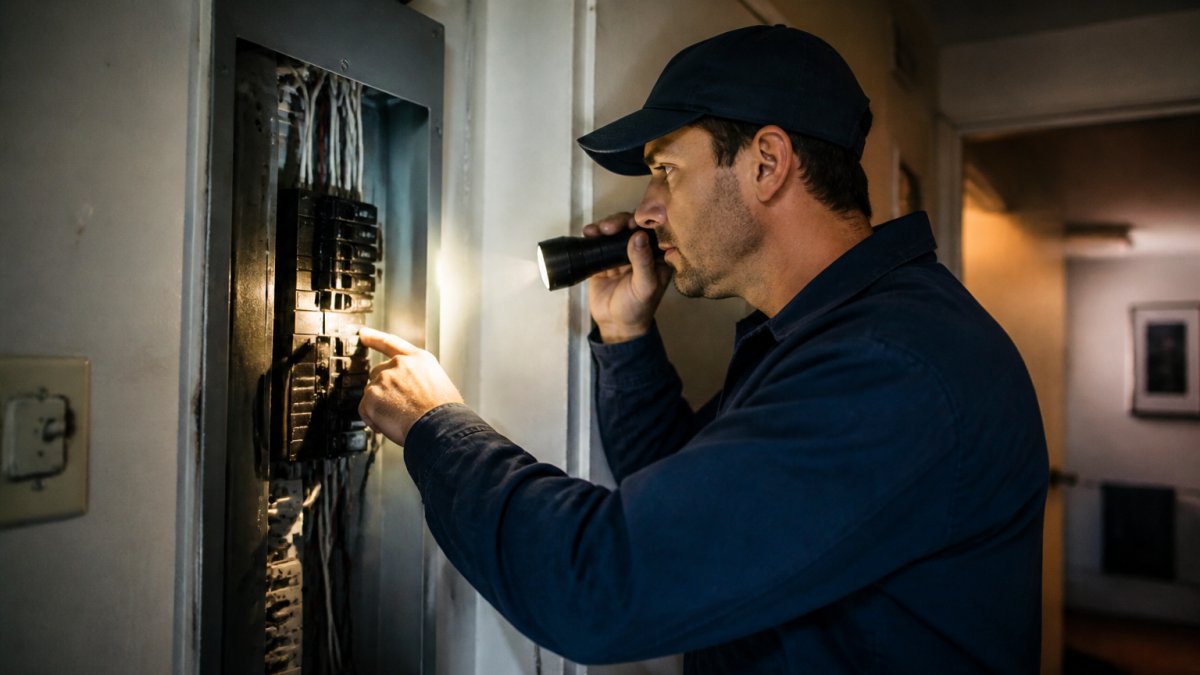
Open the breaker panel and look for the HVAC breakers. A tripped breaker sits in the middle position, not fully on or off.
Reset once. Push it fully to off, then firmly to on. Do this for each HVAC breaker you identified.
Check the disconnect box near the outdoor unit. Some systems have a pull-out disconnect or a switch there. Confirm it is in the on position.
Check the service switch at the furnace or air handler. It looks like a light switch and is often mounted nearby. Make sure it is on.
Return to the thermostat and test. Set the mode to heat or cool and listen for the equipment to start.
Stop Conditions
Stop and call a licensed technician if any of the following happen:
A breaker trips again immediately after one reset
You see scorch marks, melted wire insulation, or a burning smell near the panel or disconnect
The breaker feels hot to the touch
The disconnect box shows signs of arcing or water intrusion
The equipment hums but does not start
Repeatedly resetting a breaker that keeps tripping can damage the compressor and create a fire risk. One reset attempt is enough. A breaker that will not stay reset points to a short, a failing compressor, or a wiring fault, that is a job for a professional, not a DIY fix.
Different HVAC system types behave differently here. Heat pumps, gas furnaces, and straight cool systems each have their own startup sequence and their own breakers. If your system does not respond after one breaker reset and the disconnect and service switch are confirmed on, the next step is a professional diagnostic, not another round of flipping switches.
Frequently Asked Questions
How do I reset my thermostat after a power outage?
First, check that the thermostat has power by confirming the display is on or replacing batteries if it is blank. Then locate the reset button (often a small pinhole on the side or back) and press it with a paperclip for a few seconds. For smart thermostats, you can also cycle power at the breaker. After resetting, you may need to re-enter your schedule and reconnect Wi-Fi. If the display remains blank, move on to checking the HVAC circuit breaker.
Why did my thermostat settings change during a power outage?
Many thermostats retain settings in non-volatile memory, but some models reset to default settings after a long outage or a power surge. Battery-backed models usually keep your schedule, while older or basic models may lose time and programming. Smart thermostats often restore schedules from the cloud once they reconnect to Wi-Fi. If your settings are gone, you will need to reprogram them manually or through the manufacturer's app.
How long should I wait before restarting my HVAC system after a power outage?
Wait at least 5 minutes after power returns before turning the system back on. This allows refrigerant pressures to equalize and protects the compressor from damage. If the outage was brief, a 5-minute delay is still a good habit. For heat pumps, wait 10 minutes if the outdoor unit was running when power was lost. After the wait, set the thermostat to your desired mode and temperature, then listen for the system to start normally.
When should I call an HVAC technician after a power outage?
Call a technician if the thermostat stays blank after checking batteries and breakers, if the HVAC breaker trips repeatedly, if you hear unusual noises or smell burning, or if the system does not heat or cool after a reset and a 10-minute wait. Also call if you are uncomfortable working with electrical panels. A certified technician can diagnose deeper electrical or refrigerant issues and ensure safe operation.
Click to Call 504-914-8771
Comments